On-device · nothing leaves your machine
Annotate any video call with hand gestures. Pinch to draw, erase, move, scale, rotate. A Firefox extension that runs entirely in your browser.
Free · open source · MIT · no accounts, no tracking
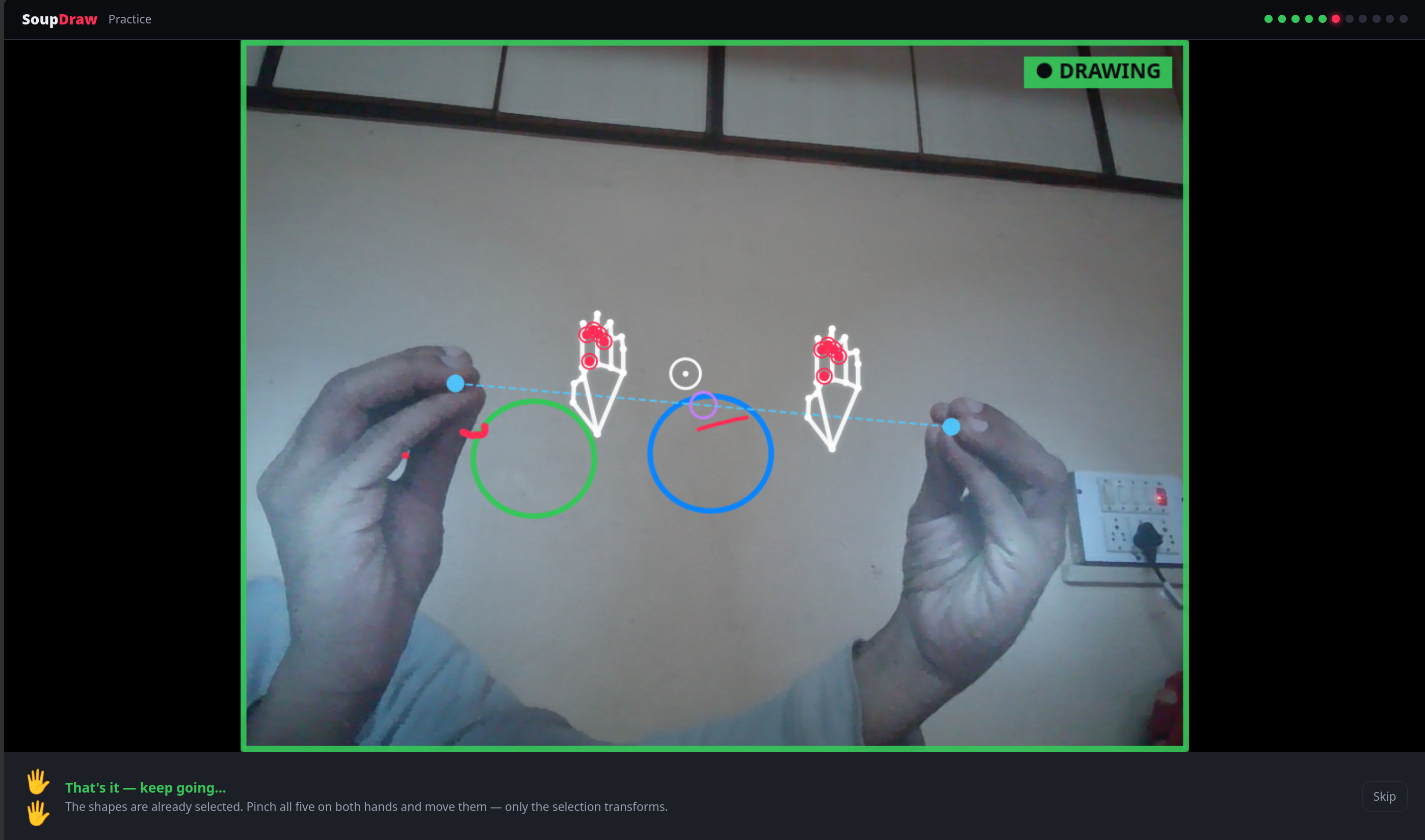
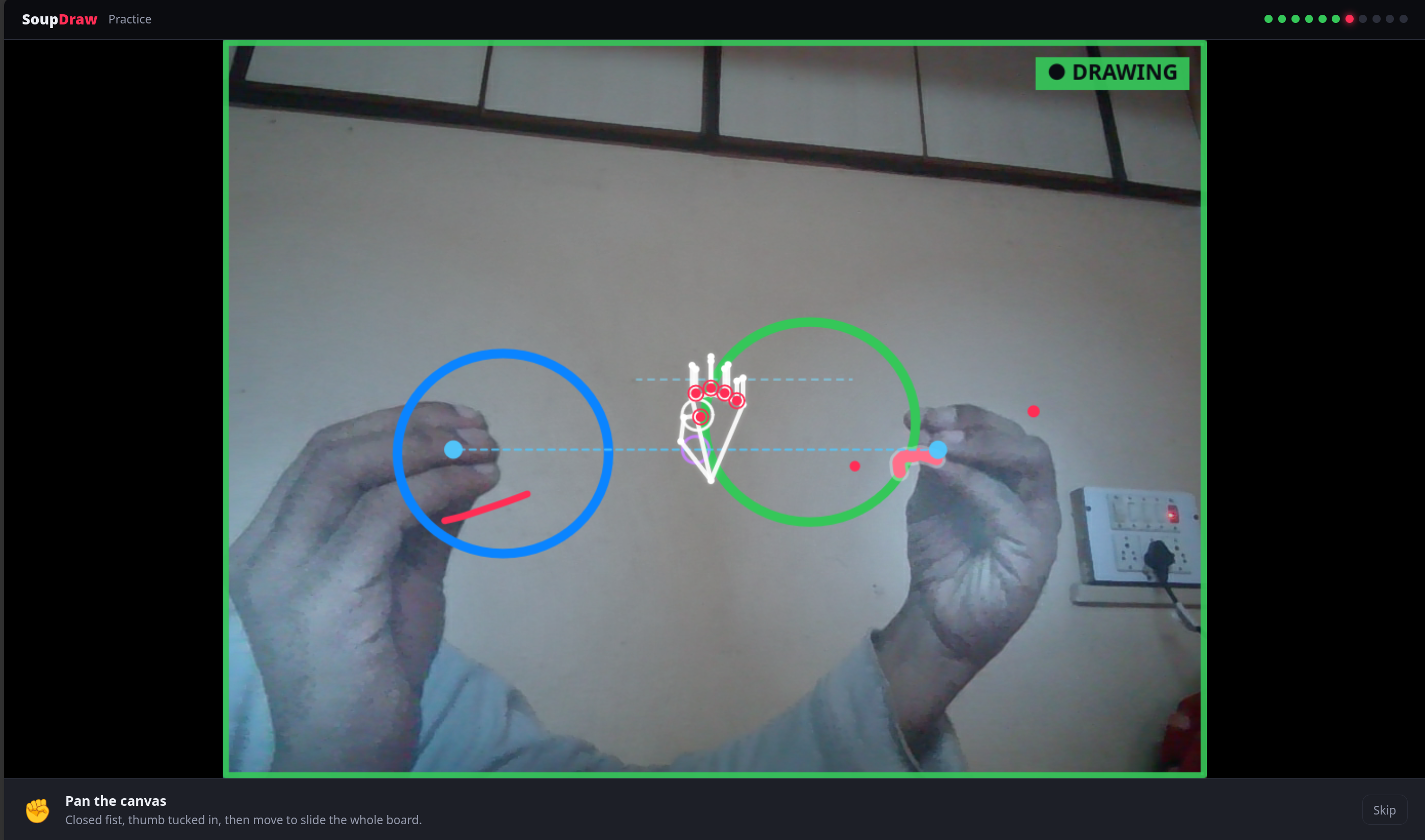
No install, no sign-up. The camera and the hand model run entirely in your browser — nothing ever leaves your device.
Pinch your thumb + index to draw · thumb-out fist to erase · double-clench to clear
A ~20 MB hand model loads once, on-device
The hand model is bundled and runs locally. No video, frames, or data ever leave your machine. No network at runtime.
Works in Meet, Zoom web, Teams, Whereby — anywhere that asks for your camera. It composites a local canvas over the feed.
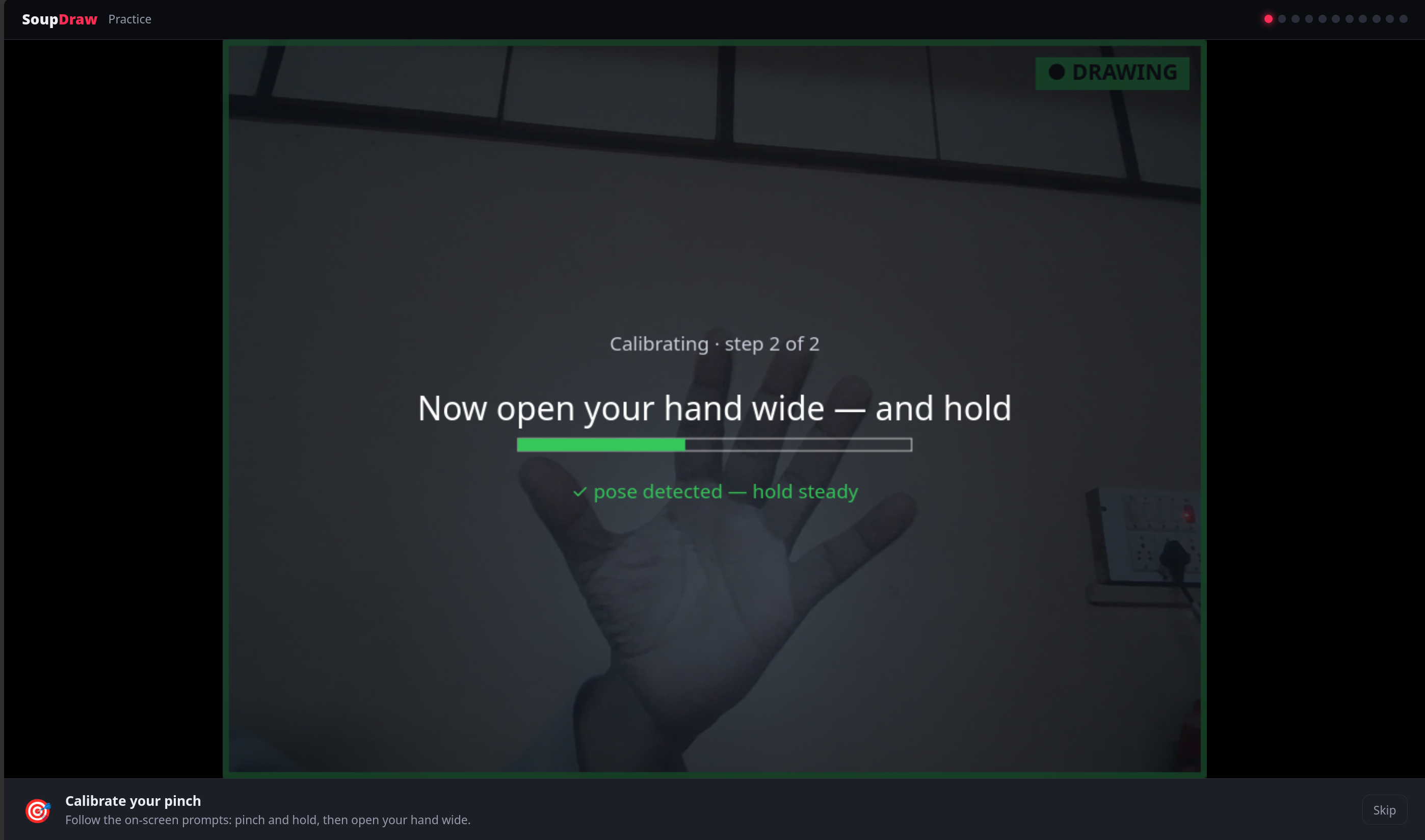
A built-in Practice window shows each gesture with a ghost hand on your real feed, and you learn by doing it.
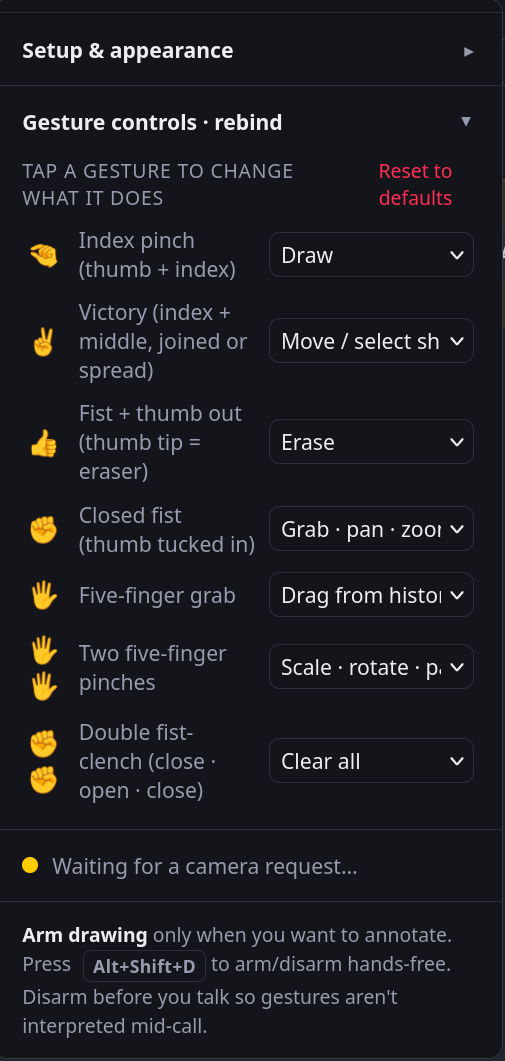
Every gesture is rebindable, with a guided tutorial to learn them.


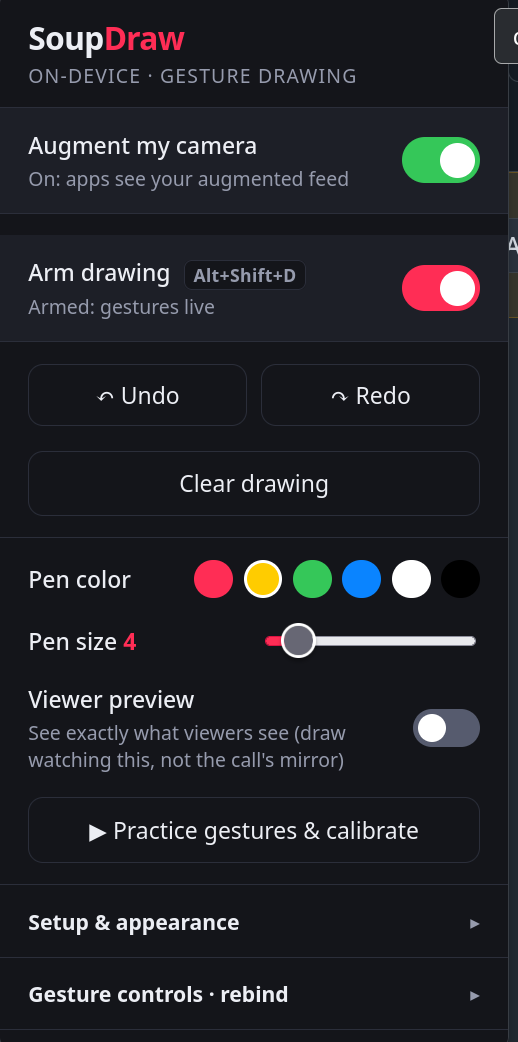
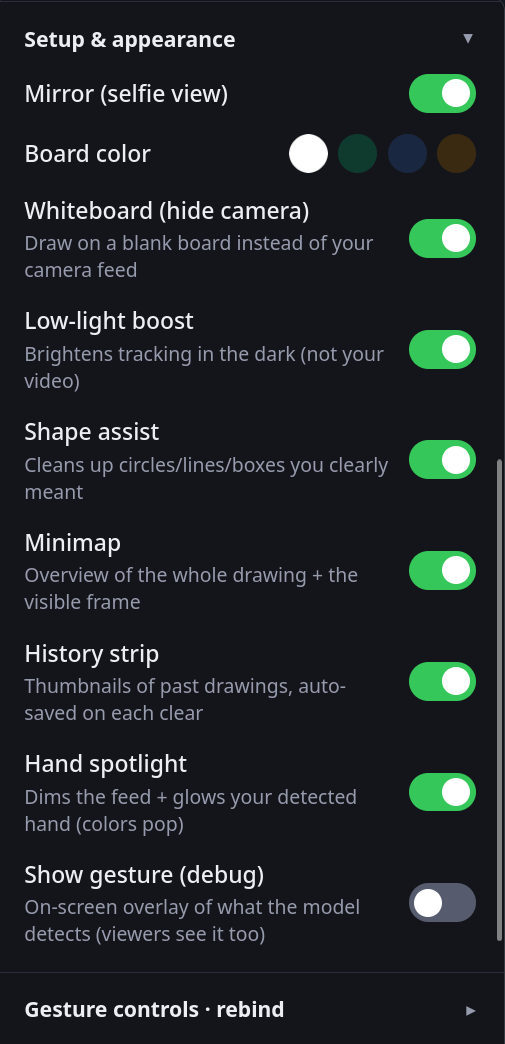
Arm/disarm and quick actions up top, appearance settings, and fully rebindable gestures.


Turn on “Augment my camera” in the toolbar popup.
Join any call and pick your normal camera.
Press Alt+Shift+D to arm, then pinch to draw.
Free, open source, and private by design.